
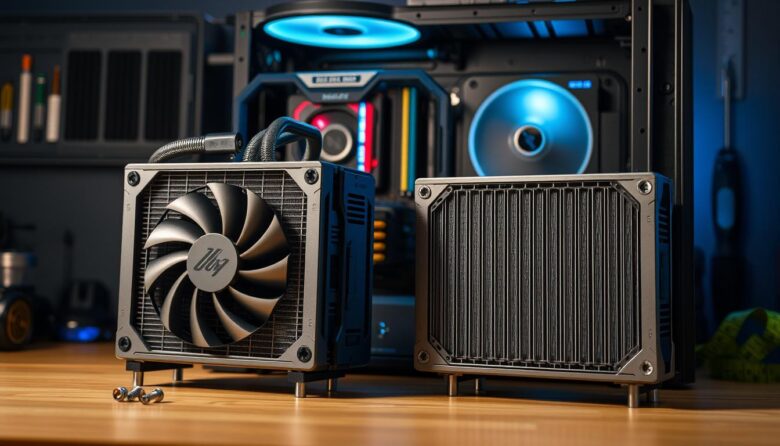
I started building systems in 2017, the year ESGAMING launched high-performance gear with 360mm support. I know firsthand that modern CPUs often lack stock coolers, so bigger cooling setups are common today.
Before you buy a liquid cooler, measure the interior of your chassis. I walk readers through a simple, step-by-step method to confirm fit and avoid costly mistakes.
My guide gives clear information on measuring mounting points, checking fan clearances, and planning for airflow. I explain how to spot conflicts with drive cages or top panels so your build stays neat and efficient.
Key Takeaways
- Measure mounting space before buying a cooling radiator.
- Confirm fan and clearance needs for 240mm and 360mm options.
- Account for drive bays and front or top mounting limits.
- ESGAMING and similar brands offer 360mm-ready designs.
- Proper planning prevents installation headaches.
- Use this guide to verify water cooling fit quickly.
Understanding the Basics of PC Water Cooling
I’ll keep this simple. Water cooling is a straightforward way to move heat from a hot cpu to the air. Heat transfer happens when thermal energy leaves the chip, enters the liquid, and rides the loop to the fin pack where fans clear that energy away.
The radiator is the end point for heat dissipation. In most builds the coolant enters and exits on the same side in a dual-pass design. That layout helps the liquid shed heat efficiently before it cycles back to the cpu.
I tell builders that the liquid is just a bridge. Whether you pick an aio cpu cooler or a custom loop, the size of the radiator and its end tanks define how much heat your system can handle.
Both water cooling and air cooling rely on fans to move air across a surface. A well-designed cooling system keeps the cpu cooler and usually quieter than a high-end air cooler.
- Understand heat transfer: liquid moves heat, fans remove it.
- Consider radiator size and end tanks when choosing parts.
- Fans and layout determine final performance and noise.
Key Factors for Radiator Selection
Choosing the right cooling hardware starts with clear measurements and realistic expectations.
Sizing and Dimensions
Measure the physical space first. Radiators often need 50–60mm of clearance to account for the block, fans, and vibration pads.
Remember that a 360mm unit lines up with three 120mm fans along one side. I always tell builders the most important things to consider are the actual dimensions, not just the fan label.
Material and Construction Considerations
Fin density matters. FPI (fins per inch) like 18 FPI increases surface area but needs higher static pressure fans to move air effectively.
A thicker radiator can boost performance, but it demands stronger fans and more space. You should also pick between dual-pass and crossflow designs, since the end tanks affect how you route the loop.
“Proper radiator cooling depends on balancing fin density and fan static pressure for the best performance.”
| Attribute | Effect | What I Check |
|---|---|---|
| Thickness (50–60mm) | Needs extra clearance for fans | Measure frame-to-panel distance |
| FPI (8–18) | Higher FPI = more surface, more resistance | Match with static pressure fans |
| End tank design | Affects tube routing and loop layout | Plan hose runs before buying |
| Materials (copper/aluminum) | Performance vs cost trade-off | Check manufacturer specs |
- I check measurements against manufacturer dimensions before ordering.
- I balance fin density with fan choice for optimal cooling.
- I verify space for pumps, reservoirs, and any tall components.
How to Accurately Check PC Case Radiator Compatibility
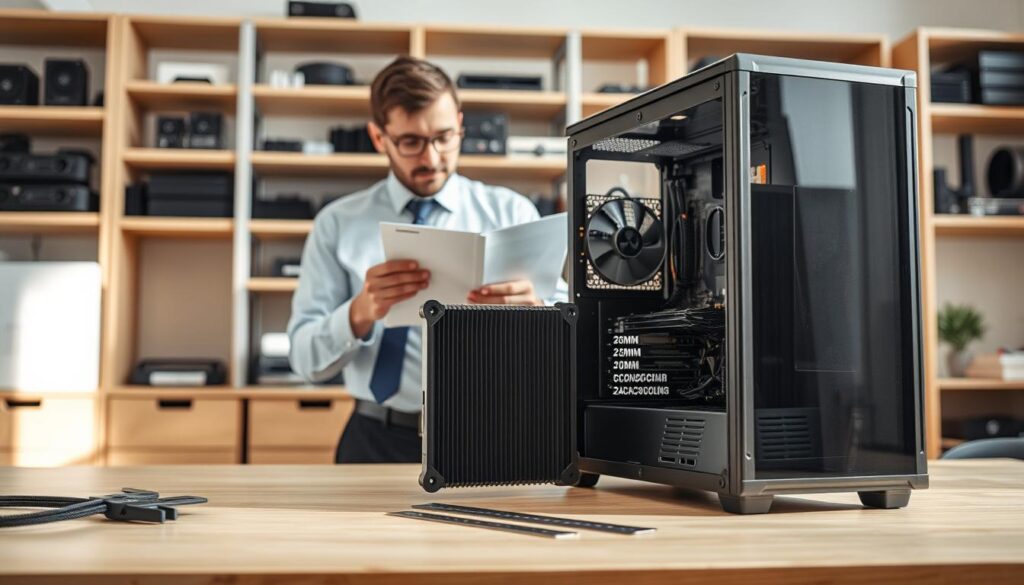
I start every build with a tape measure and a checklist. That simple step tells me if my chosen cooler and fans will fit without blocking RAM or the GPU. I also confirm the system can host a 400mm+ graphics card and an 850W+ power supply for high-end water builds.
Measuring Internal Clearance
I measure from the motherboard tray to the panel where the assembly will mount. If the spec sheet says 50–60mm depth, I add fan thickness and mounting brackets to get the true number.
Accounting for Fan Thickness
Add at least 25mm per fan row to the stated depth. That gives the actual assembly depth and avoids surprises when you fit fans and grills.
Evaluating Reservoir and Pump Mounting
I prefer cases with dedicated pump/reservoir mounts. D5 pumps are my go-to for quiet flow and reliable performance in custom loops.
“Measure real space, not just the specs—then verify with the manufacturers’ numbers.”
| Check | Why it matters | What I do |
|---|---|---|
| Clearance | Prevents hardware clashes | Measure tray-to-panel gap |
| Fan depth | Determines total assembly size | Add 25mm per fan row |
| Pump/Reservoir | Affects loop routing | Use dedicated mounts; prefer D5 |
Optimizing Airflow and Placement for Your Build
I focus on where air enters and where it exits to keep temperatures low and dust at bay.
Managing Intake and Exhaust Configurations
Start with positive pressure. I set more intake than exhaust so dust stays out and long-term cooling stays stable.
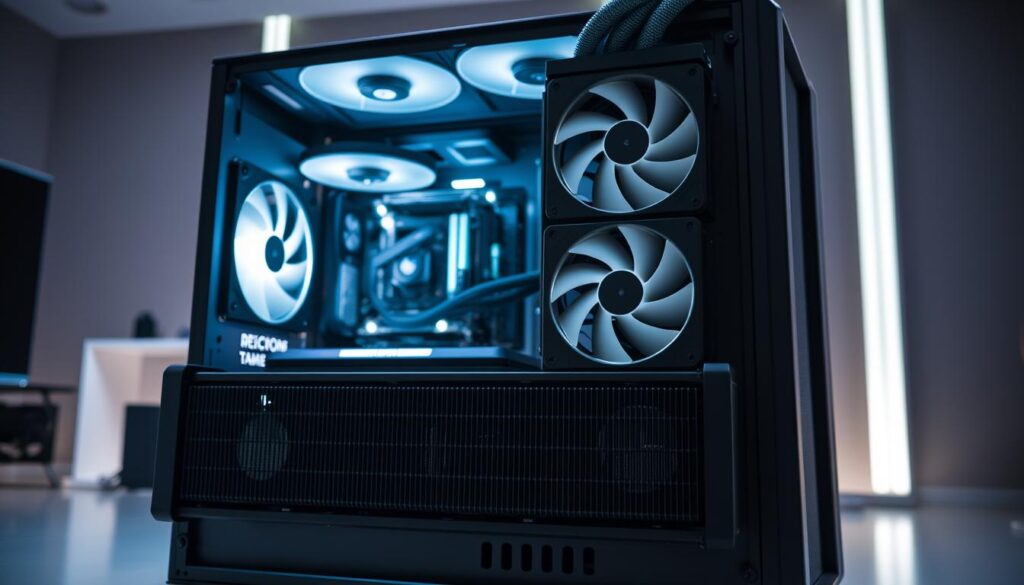
I prefer mounting the radiator as a top exhaust to let warm air rise away from the cpu. High static pressure fans are my pick to push air through dense fins and keep the loop efficient.
Keep the airflow path clear. Avoid blocked fan inlets, cables across the fan face, or drive cages that trap heat. That preserves performance for both water cooling and air cooling setups.
“A balanced fan layout is the fastest way to cut temperatures without adding noise.”
| Focus | Why it matters | Action I take |
|---|---|---|
| Intake vs Exhaust | Controls dust and pressure | More intake fans for positive pressure |
| Fan Type | Pierces dense fins better | Use high static pressure fans |
| Placement | Prevents hotspots at the end of the loop | Prefer top exhaust; verify side clearances |
- I check that air paths are unobstructed to maintain steady cooling.
- Whether 240mm or 360mm, fan placement at the end of the loop is critical.
- I balance intake to keep dust low and temperatures steady.
Avoiding Common Installation Pitfalls
Small oversights—like the wrong screw length or a dry pump—cause the biggest headaches later. I start with a few habit checks that stop leaks and keep cooling performance strong.
Check screw shields before you fasten anything. Metal tabs stop screws from puncturing a thin core, so use the correct length hardware every time.
Never run the pump dry. A dry pump can fail instantly and ruin your whole water cooling loop. Fill and prime the loop, then run the pump with the system open for a leak test.
- Install a drain port at the lowest end of the loop to simplify maintenance and coolant changes.
- Verify clearance around fans and tubing so hoses don’t kink or block airflow to other components.
- Use high static pressure fans for denser fins to keep air moving and protect performance.
- Use distilled water with corrosion additives—never tap water—to preserve parts over time.
- Always leak-test an aio cpu cooler or custom loop before you power the cpu and GPU.
“A quick leak test and a proper drain point save hours of troubleshooting later.”
Final Thoughts on Achieving a Perfect Fit
A little planning up front saves hours of frustration when you install a water loop. I always measure twice and mock-up placements to be sure the radiator and tubing will fit the layout.
Choose a mid-tower or full-tower case if you want roomy installs. That extra space keeps the cpu cool and helps overall performance when you add a larger cooler.
Maintain the loop regularly. Clean fans, flush the reservoir, and watch for corrosion so the cooling system handles heat quietly for years. If you need more information, check manufacturer guides.
I recommend visiting ESGAMING for product details and mounting tips. Do one final compatibility check before you buy so your water build goes smoothly.
FAQ
How do I check if my case fits a 240mm or 360mm radiator?
I measure the available mounting area first—height, width, and depth—then compare those numbers to the radiator plus fan stack dimensions. I also review the manufacturer’s spec sheet for fan mounting points and look for obstructions like drive cages, memory, or tall VRM heatsinks.
What basic principles should I know about water cooling before choosing parts?
I focus on heat load, flow path, and airflow. A larger surface area and higher fin density usually improve heat transfer, while pump placement and loop routing affect performance. Fans with good static pressure help move air through dense fins.
How do radiator size and dimensions affect installation and cooling?
I consider length and thickness. A longer radiator gives more surface area, while a thicker radiator increases capacity but needs more clearance and stronger fans. I balance size with where I can mount it—top, front, or side—so components and airflow aren’t compromised.
What materials should I look for in a radiator and why?
I prefer copper cores and brass or aluminum end tanks for efficient heat transfer. Full-copper radiators typically cool best, but mixing metals in a loop can cause corrosion unless I use proper additives and a compatible coolant.
How do I accurately measure internal clearance for a radiator installation?
I remove side panels and measure from the mounting surface to the nearest obstruction—motherboard standoffs, PSU shroud, or drive cages. I then add fan thickness and any bracket thickness to ensure the radiator fits without bending or crowding cables.
Do I need to account for fan thickness when planning a radiator mount?
Yes. I add the fan stack (usually 25–38mm per fan) to the radiator thickness. Push-pull setups require double that space. I verify clearance for both fan screws and airflow direction so fans don’t hit other parts.
How should I evaluate reservoir and pump mounting for a custom loop?
I check vertical and horizontal mounting points, tubing routes, and vibration isolation. Pumps need firm support and access for fill/drain ports. I avoid placing the pump higher than the reservoir to prevent cavitation and ensure easy maintenance access.
Where is the best place to mount a radiator for airflow and cooling efficiency?
I choose top mounting for exhaust when I want to expel heat, and front mounting as intake for cooler ambient air. Side mounts can work for targeted cooling. I balance intake and exhaust to maintain neutral or slight positive pressure for dust control.
How do I manage intake and exhaust configurations with multiple radiators?
I aim for balanced airflow. If I run multiple radiators, I split intake and exhaust to avoid pulling hot air across another heat exchanger. I also use fan curves and static-pressure fans to reduce turbulence and maximize steady flow through fins.
What common installation mistakes should I avoid?
I avoid assuming clearance is sufficient without measuring, neglecting fan thickness, and ignoring cable routing. I also prevent mixing incompatible metals in a loop, and I don’t overtighten fittings that can warp mounting points.
Can a thicker radiator always replace a thinner one for better cooling?
Not always. I find thicker radiators often cool better, but only if I have the space and use fans with enough static pressure. If the case is cramped, thicker options can restrict airflow and reduce overall performance.
How do I choose fans for liquid cooling radiators?
I look for fans with high static pressure and reliable RPM control. Brands like Noctua, Corsair, and be quiet! offer models tuned for radiators. I match fan size and profile to the fin density of the heat exchanger.
What should I check when installing an AIO liquid cooler versus a custom loop?
For an AIO, I confirm radiator mounting points, hose routing, and CPU block clearance. For a custom loop, I also plan reservoir placement, pump power, fittings, and coolant choice while ensuring metal compatibility and maintenance access.
How important is fan orientation for radiator performance?
Very important. I orient fans to minimize obstruction and to establish clear intake or exhaust paths. Push, pull, or push-pull setups change airflow and static pressure needs, so I pick the orientation that best suits my thermal and spatial constraints.
What role does fin density (FPI) play when selecting a radiator?
Fin density affects airflow resistance and cooling surface area. Higher FPI increases surface area but needs stronger fans to push air. I match FPI to fan capability and the case’s ability to supply airflow without excessive noise.
How do I handle radiator fittings and tubing for tight spaces?
I use low-profile or angled fittings to save space and plan clean tubing runs to avoid kinks. Flexible tubing or compression fittings help in cramped environments. I also leave service loops for easier future maintenance.
Are there specific manufacturers I should trust for radiators and cooling gear?
I trust brands like EKWB, Alphacool, Corsair, and Hardware Labs for radiators and fittings. They provide detailed specs, reliable construction, and community support that helps verify fit and performance before I buy.

Hardware enthusiast and cooling specialist sharing real-world tips on water cooling, thermal performance, and custom PC builds.