

AIO and Custom Loop Troubleshooting Different cooling noises require different fixes Gurgling often points to moving air, but clicking, grinding, buzzing, and rattling may come from the pump, radiator fans, loose cables, mounting hardware, or another component nearby. Identifying the real source is more useful than immediately replacing the cooler. i Editorial note This guide …
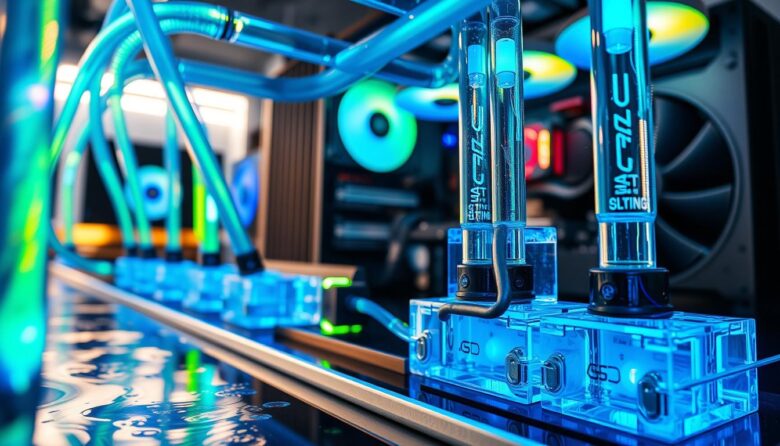
Custom PC Water-Cooling Guide Choosing coolant is mainly about compatibility, stability, and maintenance The best liquid for a custom PC loop is not necessarily the brightest or most complicated. A reliable coolant must protect the metals inside the loop, limit microbial contamination, remain stable in the tubing, and preserve adequate flow through blocks and radiators. …
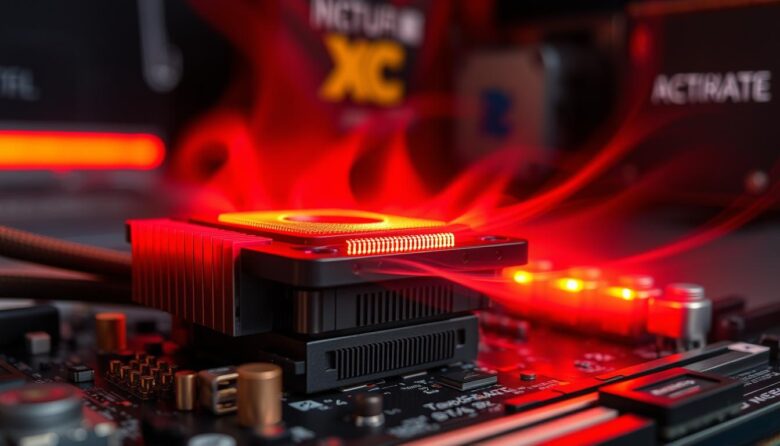
PC Cooling Troubleshooting Guide High CPU temperatures do not automatically mean your liquid cooler is broken An AIO or custom loop can be installed and running while the processor still overheats. The real cause may be pump power, poor mounting contact, blocked airflow, aggressive CPU settings, trapped air, dust, or a cooling system that is …
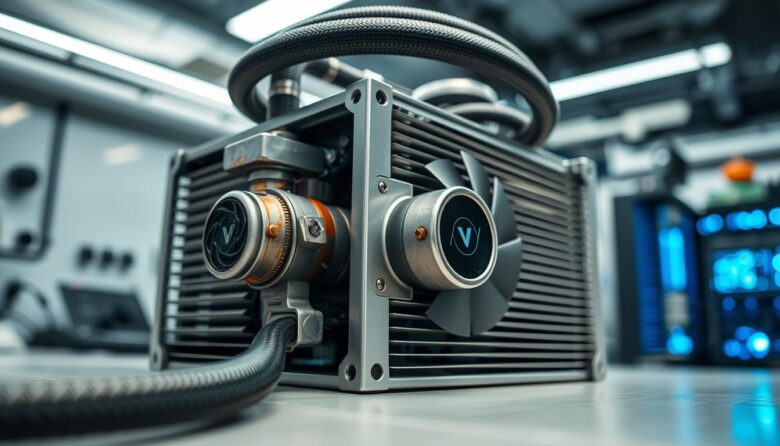
AIO Pump and Leak Diagnosis How to recognize a failing AIO pump and inspect the cooler for leaks safely High temperatures, unusual noise, or a missing RPM reading can indicate a cooling problem, but none of these symptoms proves pump failure by itself. Diagnosis should begin with power, mounting contact, radiator airflow, and model-specific monitoring. …
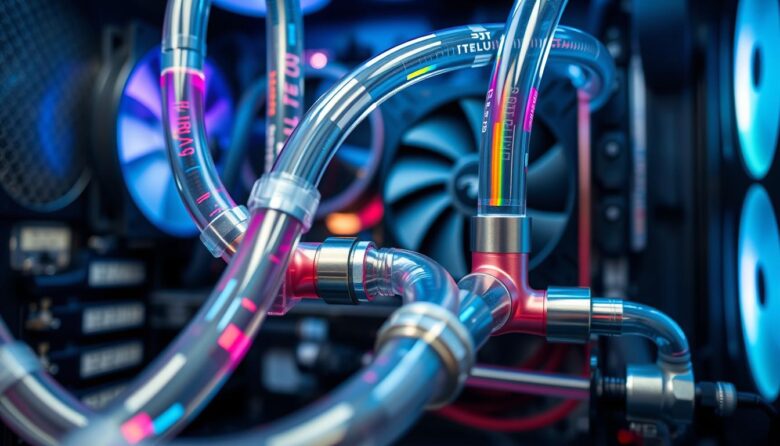
Custom Loop Maintenance Guide How to safely drain, clean, flush, and refill a custom PC water-cooling loop Safe maintenance begins by disconnecting the main hardware from power, choosing the correct level of cleaning, keeping the pump wet, and following the instructions for the exact coolant, cleaner, blocks, tubing, fittings, and pump in the system. i …