Keeping a high-end rig reliable starts with regular maintenance. If you own built systems that use liquid to move heat, debris and old coolant can harm your CPU and other hardware.
This guide draws on decades of hands-on experience with pumps, reservoirs, and waterblocks from brands like EKWB and Corsair. You’ll learn a clear, step-by-step approach to safe cleaning, including how to replace old fluid with distilled water and how to protect sensitive parts.
We simplify the flushing process so even complex setups are manageable. Follow the steps and you’ll prevent flow restrictions, keep the pump healthy, and extend the life of your system.
Key Takeaways
- Regular maintenance prevents buildup that reduces cooling efficiency.
- Replacing old fluid with distilled water keeps pumps and parts working well.
- Simple flushing steps can protect your CPU and other components.
- Use trusted brands and correct tools for safe, reliable results.
- Consistent care extends hardware life and maintains peak performance.
Understanding the Importance of Loop Maintenance
Regular upkeep keeps your cooling system reliable and far less likely to fail. Users like aBav.Normie-Pleb report loops running eight years without major issues when the initial build used good parts and proper routing.
Many forum posts and replies stress the same thing: avoid cheap components that fail early. That small investment up front is the best way to save time and headaches later.
Proper cleaning prevents microorganisms from forming biofilms. Those slimy deposits are the kind of stuff that clogs micro-fins and reduces performance.
From our experience, a well-maintained system needs fewer emergency fixes. Taking the time to learn your loop and perform basic cleaning pays off.
- Peak performance requires regular attention to keep contaminants out.
- Community posts and thanks show that shared tips help everyone keep loops running smoothly.
Essential Tools for Your Water Cooling System
Gathering the right tools before you touch any fittings saves time and prevents costly mistakes. A neat workspace and a simple kit make maintenance faster and safer.
Identifying Key Components
Start by locating the pump, CPU block, reservoir, and radiators. Knowing where each part sits helps you plan tubing runs and drainage points.
Inspect tubing and fittings for wear. Replace any brittle or discolored sections before you begin the cleaning process.
Preparing Your Workspace
Set out a waste container, a dedicated fill bottle, and a length of tubing to connect to your drain valve.
Keep plenty of towels near the drain and organize parts by step. This saves time and reduces the risk of leaks at the end of the job.
- Have enough distilled water on hand for flushing reservoir and radiators.
- Use a filling aid and a dedicated fill bottle to speed the job.
- Inspect every part for wear before reassembly; a high-quality radiator protects your CPU temperatures.
| Tool | Purpose | Recommended | Notes |
|---|---|---|---|
| Waste container | Catch old fluid | Large, sealable | Place below drain valve |
| Fill bottle | Refill with distilled water | Dedicated unit | Makes refilling faster |
| Flexible tubing | Route drain and fills | Clear, snug fit | Helps avoid spills |
| Towels & mat | Protect desk | Absorbent | Keep close to drain |
Safely Powering Your Pump for Maintenance
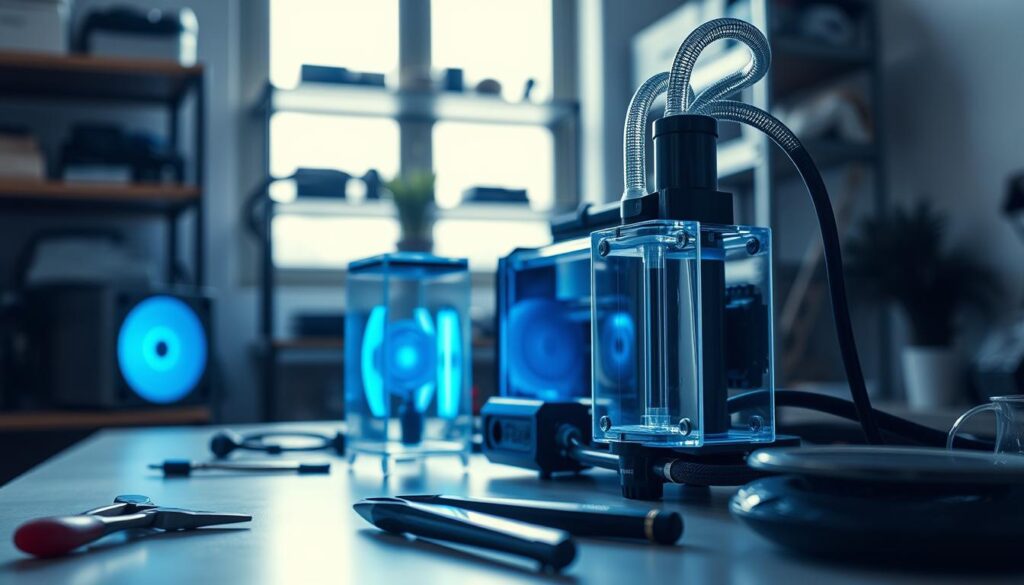
Before you open tubing or drain the reservoir, confirm you can run the pump independently. This protects sensitive components and helps you spot leaks while the rest of the system stays off.
Using a Power Supply Jumper
Most pumps are 12-volt DC units. You can power one with a 24-pin jumper or an external supply to test circulation without booting your rig.
- Make sure all motherboard and video card power connectors are disconnected before working with any water or coolant.
- Use a 24-pin jumper to start the power supply without activating other components. If you use a paper clip, bend it into a U to bridge the green wire and a black wire.
- Make sure the pump never runs dry — that one thing will quickly damage internal parts and the entire loop.
- When using an external supply, provide at least 2 amps so the pump reaches the correct speed.
- The safest solution is to isolate the pump. This prevents accidental electrical damage to sensitive hardware.
- The most important thing: verify the power supply is in the OFF position before you connect or disconnect cables.
How to Flush Custom PC Water Cooling Loop
A careful drain, rinse, and refill cycle is the most reliable way to restore flow and clear debris. Read each step slowly and have towels ready. Work in small stages so you can monitor parts and the pump.
Draining the Existing Coolant
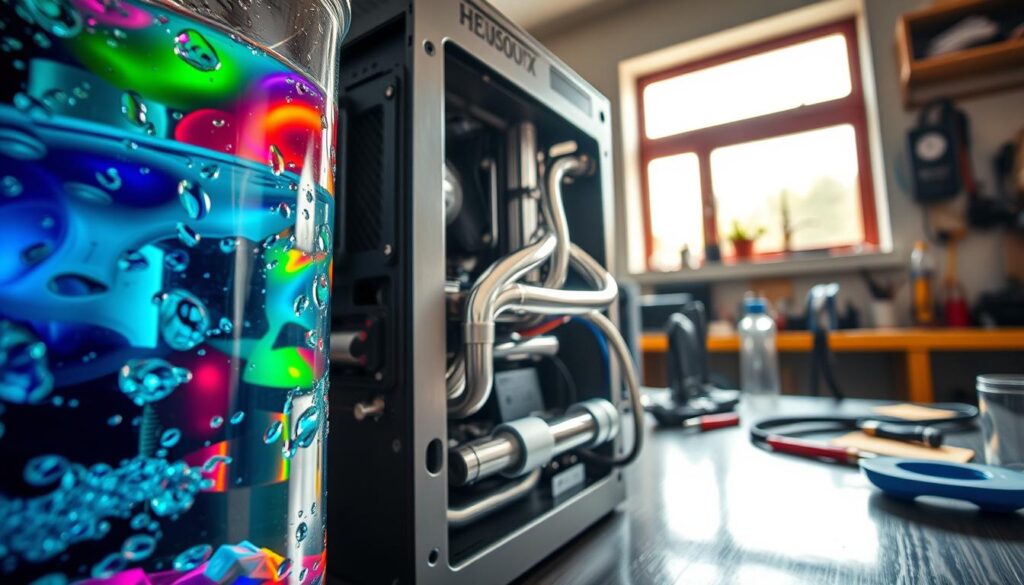
Power down and isolate the pump. Place a large waste container under the drain and open the valve.
Allow the reservoir to empty fully. Remove any tubing that traps fluid and tip the case gently to help the radiator drain.
Refilling with Distilled Water
Refill using distilled water only for the rinse cycles. Fill the reservoir slowly and keep the pump submerged.
For deep cleaning, the Mayhems Blitz Kit can be run for 24 hours to dissolve stubborn deposits. Follow the kit directions so the solution reaches every part.
Circulating and Removing Air
Run the pump in short bursts and watch the reservoir level. Tilt the case and tubing to release air from the CPU block and radiators.
Circulate for 4–5 minutes per rinse, then drain. Repeat the entire rinse at least three times. If you used a vinegar solution, perform two extra cycles with pure distilled water.
End goal: the fluid must run clear and the pump stay submerged to avoid damage. This ensures the system is ready for final coolant refill.
Performing a Deep Clean with Specialized Kits
A deep-clean session with a professional kit removes stubborn deposits that a quick rinse misses. Using a Blitz kit is a professional way to target gunk inside radiators and CPU blocks.
Mix the Mayhems Blitz Part 2 solution per the instructions and use distilled water to dilute. Make sure seals and fittings are tight before you start.
Run the solution through the loop for 24 hours so it reaches every part and radiator. Foam may form during circulation; this is normal and not a sign of pump failure.
After 24 hours, drain completely and perform multiple rinses with distilled water. Use litmus paper to check pH and aim for neutral at the end of the final flush.
- Why this works: the solution dissolves deposits that normal flushing misses.
- Do it at home: you can, provided you seal radiators and protect your workspace from spills.
- Final check: confirm the pump runs smoothly and the reservoir stays clear before refilling with new coolant.
Best Practices for Long-Term Loop Reliability
Long-term reliability depends on thoughtful parts choices and steady upkeep routines. Pick high-quality parts to avoid the common thing: early failures from cheap gear. Good radiators and a reliable pump reduce service visits and make maintenance simple.
Selecting Quality Components
Choose well-reviewed radiators, tubing, and fittings. A solid reservoir and certified blocks protect the CPU and other parts over time.
Many posts and replies from experienced builders show that investing in corrosion protection pays off. Use distilled water with a reputable inhibitor to protect copper and brass components.
Managing Seal and Gasket Health
Keep seals supple. Apply a thin layer of OKS 1110 Silicone Grease to rubber gaskets when assembling or servicing. This reduces aging and cuts leak risk.
Check seals at every service. Inspect for debris in radiators and the reservoir. Annual flushing and light cleaning prevent biofilms and keep the system reliable for years.
- Quick tip: Treat the interior as sterile—avoid touching blocks or radiators with bare fingers.
- Routine: Simple checks and small greasing steps save a lot of time later.
Conclusion
A short, regular service routine keeps your cooling system reliable and extends component life.
Maintaining your water cooling setup rewards you with steady performance and fewer surprises. Clean radiators and fresh coolant protect parts from contamination and flow restriction.
Whether you run soft tubing or hard lines, the same maintenance principles apply: inspect seals, flush with distilled water, and re-fill with the right solution. Small checks on tubing and the pump save time and money over years.
We hope this guide gave you the confidence to care for your loops and keep the system in top shape. Good luck with your next maintenance session and future builds.
FAQ
How often should I clean and refill my liquid cooling system?
Aim to clean and refill every 6–12 months depending on coolant type and usage. Inspect the reservoir, tubing, and radiator for discoloration, particulates, or reduced flow. If you see buildup, odd smells, or higher temperatures, perform maintenance sooner. Regular checks keep pump life and heat transfer at their best.
What tools and supplies do I need for a safe maintenance session?
Gather a funnel, distilled water, a soft brush, syringe or tubing for draining, a container for old fluid, and rubber gloves. Include a screwdriver set, paper towels, and a leak-detection cloth. If doing a deep clean, use a reputable radiator flush kit or a mild acetic acid solution and follow the kit instructions.
Can I use tap water to top off the system?
No. Use distilled water for top-offs and refills to avoid minerals and ions that cause corrosion and deposits. Tap water can introduce contaminants that reduce performance and clog blocks and radiators.
How do I safely power the pump while the system is open?
Use a dedicated power supply with the PSU turned off to connect the pump and jumper the 24-pin or 8-pin temporarily, following the manufacturer guide. Run the pump outside the chassis in a fill-and-bleed setup to avoid powering other components. Keep a towel beneath fittings and use low voltage adapters or a pump jumper cable recommended by brands like EKWB or Corsair.
What’s the best way to drain old fluid from the radiator and blocks?
Power down and disconnect the system. Position the lowest drain or detach a lower tubing run over a container. Open the top fill port or reservoir to allow air in and speed draining. Tilt the case gently and use a syringe or siphon to remove trapped pockets. Repeat until most liquid is out.
How do I remove trapped air after refilling?
Fill slowly while running the pump at low speed. Tap or gently shake the blocks and radiator to release bubbles. Cycle the pump on and off and tilt the loop so air rises to the reservoir. Keep topping off until no more bubbles appear and the pump runs quietly.
When should I use a specialized cleaning kit versus distilled water only?
Use a specialized kit if the loop shows corrosion, biological growth, stubborn residue, or colored coolant staining. Kits include cleaning agents and tools designed to dissolve deposits in radiators and blocks. For routine maintenance with clear distilled water and no deposits, a simple rinse is enough.
How long should I circulate cleaning solution in the loop?
Follow the cleaning kit manufacturer’s directions, typically 30 minutes to a few hours. For mild soiling, short cycles with distilled water may suffice. Always flush thoroughly afterward until rinse water runs clear to avoid leaving residue that could harm seals or components.
What signs indicate my seals or gaskets need attention?
Check for dampness, corrosion near fittings, visible cracks in O-rings, or persistent slow leaks. Replace O-rings and seals during any major service or when reassembling components. Lubricate O-rings with an approved lubricant like silicone grease to ensure a tight seal.
How do I prevent algae, corrosion, and buildup long term?
Use biocide-treated coolant or premixed solutions from reputable brands such as Mayhems, EKWB, or PrimoChill. Maintain a closed, clean system with distilled water and change coolant at recommended intervals. Keep metal types compatible and avoid mixing metals to reduce galvanic corrosion.
Is it safe to run the pump dry for brief tests?
No. Avoid running any pump without fluid. Even short dry runs can damage bearings and reduce pump lifespan. If you need to test, use a temporary external reservoir or fill the pump housing before powering it.
What temperature or performance changes suggest maintenance is needed?
Noticeable rises in CPU or GPU temperatures under the same workload, increased fan speeds, or reduced coolant flow suggest restriction or degradation. Check for clogged radiators, fouled blocks, or failing pumps and perform cleaning or part replacement promptly.
Can I mix different branded coolants or additives?
Avoid mixing different brands or additives unless the manufacturers confirm compatibility. Mixing can cause chemical reactions, gelling, or precipitates that block channels and harm seals. Stick to a single trusted product line.
How long does a full service usually take?
A basic drain, rinse, and refill can take 1–2 hours. A deep clean with disassembly, flushing, and part inspection may take 3–6 hours depending on loop complexity and drying time. Plan accordingly and work in a well-lit, ventilated area.
What are common mistakes to avoid during maintenance?
Don’t rush: avoid incomplete rinses, neglecting air removal, using tap water, or reusing old, discolored coolant. Always check fittings for tightness, replace worn O-rings, and confirm there are no leaks during a leak test before powering components.

Hardware enthusiast and cooling specialist sharing real-world tips on water cooling, thermal performance, and custom PC builds.