I spend hours testing components so your next PC build can run quiet and strong. I focus on parts that balance thermal performance with low noise, so your studio or gaming room stays peaceful.
I look beyond specs and check real-world results from brands like Noctua and Corsair. I also weigh the total price of a build, including premium fans and the best case airflow choices.
Every liquid cooler and air option I recommend is vetted for acoustic standards and steady cpu temperatures. My goal is to help you pick a solution that delivers silence without losing cooling power or reliability.
Whether you value studio-grade quiet for recording or a near-silent gaming rig, I’ll guide you to parts that offer the best mix of low noise, efficient fans, and lasting performance.
Key Takeaways
- I test components hands-on to find systems that stay whisper-quiet under load.
- Choose a high-quality cooler and the right fan combo to balance noise and performance.
- Consider total price, including premium fans and case airflow, not just the unit cost.
- Both air and liquid options can be silent when properly set up and maintained.
- I recommend parts that meet strict acoustic and thermal standards for studio or gaming builds.
Understanding the Need for Silent Cooling
A quiet build depends on recognizing where most noise comes from and how it affects your workflow. I start by mapping the fans, radiator, and case airflow to see what adds to the room’s background sound.
The Impact of Fan Noise
Excessive fan noise can ruin a recording session or distract during focused work. I find that a lot of the sound stems from turbulence as air moves through fins and grills.
Standard air coolers often ramp up under load, making the system louder than expected. To avoid this, I pick a cooler and fan combo that prioritizes steady airflow with low turbulence.
Defining Acceptable Decibel Levels
Acceptable noise is personal, but I aim for systems that stay below 35 dBA during typical use. That level keeps a studio comfortable while preserving thermal performance.
- I consider the total number of fans and their acoustic profile.
- I test setups with a calibrated meter to confirm real-world dba readings.
- Balancing fan speed and surface area helps reach low noise levels without sacrificing cooling.
| Component | Typical Noise Source | Practical Fix |
|---|---|---|
| Case fans | Turbulence at high RPM | Use larger, slower fans; adjust curves |
| CPU cooler | Air passing through fins | Choose high-efficiency fan blades; manage rpm |
| Radiator (if present) | Air choke and vortices | Increase surface area or lower fan speed |
The Quietest AIO Liquid Coolers for Your Build
I’ve installed and compared dozens of CPU cooling systems to find which models perform without raising room noise. One clear stand-out is the Arctic Liquid Freezer III.
The Liquid Freezer III series delivers strong thermal headroom while keeping noise low. In my experience, the freezer iii design pairs a thoughtful pump layout with efficient fans to cut RPMs at normal loads.
For many users today, this liquid cooler offers the best mix of value and price. It’s a top option for budget builds and for those who want near-silent operation without sacrificing cooling for the cpu.
I’ve installed this model in several systems. Across the market, the Liquid Freezer stands out among the coolers I’ve tested for consistent performance and sensible build flexibility.
- Reliable model: strong cooling at modest fan speeds.
- Good value: solid results without a premium price.
- Easy option: works well with common case and air setups.
Why Liquid Cooling Beats Air for Noise Control
In my hands-on benchmarks, the best designs are those that tame sound while keeping temperatures stable. A well-executed liquid cooler moves heat away from the cpu so fans run slower and steadier.
Compared to a heavy tower air cooler, a closed-loop setup often gives more consistent thermal performance without the spikes in noise that come from rapid RPM changes.
Many large air coolers need high-RPM fans to hit the same temps. That can create annoying tonal peaks that are hard to tune out. I find that a quality liquid cooler keeps temps steady and lets you tune curves for long, quiet sessions.
- Heat spread: Better distribution means fans stay calm.
- Steady temps: Less ramping equals lower perceived noise.
- Performance: You can push CPU clocks while keeping room sound low.
Evaluating Radiator Sizes for Optimal Silence
I look at radiator dimensions early when I pick a cooler because they directly affect how loudly a system runs under load.
Surface Area and Fan Speed Tradeoffs
A larger radiator gives more surface area, letting fans spin slower and still keep strong cooling. That lowers perceived noise and maintains thermal performance.
Smaller radiators force higher fan speed, which raises RPMs and can create tonal peaks. I often recommend a 360mm setup as the sweet spot for high-end cpu performance with minimal fuss.
“Choose radiator size to match case space—bigger often means quieter operation without losing cooling power.”
| Radiator | Typical Fan RPM | Noise vs Performance |
|---|---|---|
| 240mm | High | Higher noise, decent performance |
| 280mm | Moderate | Balanced noise and performance |
| 360mm | Low | Best balance: low noise, top performance |
- Check case fit before buying a larger radiator to avoid installation issues.
- I evaluate how many fans the radiator supports and the impact on system cooling.
- When planning, remember the trade-off: more surface area lets fan speed drop and keeps the room quieter.
Top Picks for High Performance 360mm AIOs
High-performance 360mm setups let you push a CPU hard while keeping fan RPMs comfortably down.
I favor the Arctic Liquid Freezer line for sustained thermal headroom and sensible acoustic tuning. The liquid freezer iii design gives steady results under long render or compile sessions.
Arctic Liquid Freezer Series
The Liquid Freezer III family blends low-speed fans with a compact pump layout. I’ve found the freezer iii models hit a sweet spot for steady performance while keeping perceived noise minimal.
Thermalright Alternatives
If you want options outside the Arctic line, look at Thermalright and a few strong market entries. These models often include screen features or different mounting choices that fit varied builds.
- Arctic Liquid Freezer III Pro 420 A-RGB: top-tier thermal performance and quiet operation I’ve tested.
- Thermalright Wonder Vision 360 UB ARGB: a screen-equipped alternative with solid value.
- Sama L70: a budget-friendly 360mm option for reliable cooling at a lower price.
- Silverstone IceMyst 360: strong cooling with reasonable acoustic behavior.
- be quiet Silent Loop 3 420: a model I’ve tested that prioritizes silence above all.
| Model | Key Strength | Use Case |
|---|---|---|
| Arctic Liquid Freezer III Pro 420 A-RGB | Best sustained performance | High-load studios and heavy gaming |
| Thermalright Wonder Vision 360 UB ARGB | Feature-rich, good value | Showcase builds and RGB setups |
| Sama L70 | Budget reliability | Entry-level high-performance needs |
| Silverstone IceMyst 360 | Balanced cooling and acoustics | Quiet gaming and mixed workloads |
Bottom line: choosing a high-performance 360mm model ensures your cpu runs cool during demanding tasks while letting fans run slower for better in-room comfort. These are the best models I’ve tested for that balance of value and performance.
Best Compact 240mm Liquid Cooling Solutions
For compact builds, a 240mm radiator often gives the best mix of cooling and low noise in a tight chassis. I favor 240mm units when case space limits a 360mm setup but you still want solid thermal headroom for the cpu.
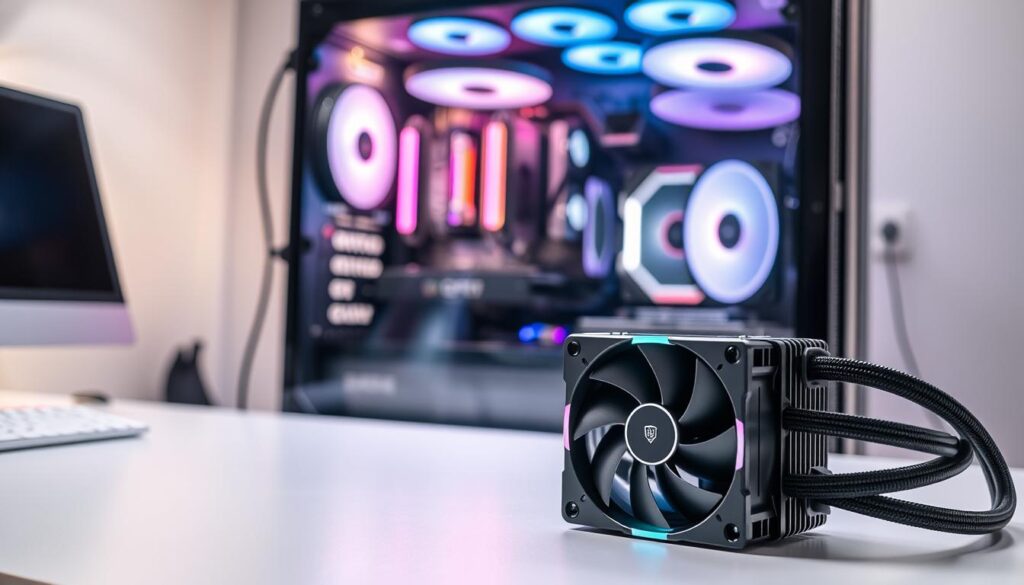
My top compact picks blend value and performance. The Lian Li Galahad II LCD 280 stands out for premium cooling in a compact footprint. For a true budget option, the Cooler Master MasterLiquid 240 Atmos offers reliable day-to-day performance at a friendly price.
- Space-savvy: 240mm radiators fit many mid and small cases without blocking other components.
- Easy install: Most builders find these models simpler than larger setups.
- Comparable results: In my tests, some 240mm models match larger air coolers for sustained cpu temps while using less room.
The market for 240mm options is crowded, which benefits buyers hunting for good value. Always check radiator size and clearance in your case before you buy to avoid surprises.
Niche 120mm AIO Options for Small Form Factor Cases
When space is tight, I hunt for compact solutions that still protect the CPU under load.
A 120mm radiator is not a universal fix, but it fills a niche in small form factor cases. I often reach for the Enermax LiqMaxFlo SR 120mm when a larger unit simply won’t fit.
When to Choose a Single Fan Radiator
Pick a single-fan solution if your CPU has modest power needs and your case offers great air flow. These small units give decent performance for office rigs and light gaming.
I also recommend the Noctua NH-P1 fanless air cooler as an alternative when you need absolute silence. In tight builds, a quality air cooler often beats tiny liquid options for long-term value.
| Option | Best Use | Key Benefit |
|---|---|---|
| Enermax LiqMaxFlo SR 120mm | SFF builds with limited space | Compact fit and solid cooling |
| Noctua NH-P1 | Fanless, silent desktops | Zero noise, reliable passive cooling |
| Small 120mm models (various) | Budget SFF options | Low price, acceptable performance |
- Ensure case air flow is strong when using a single fan radiator.
- For most people, a high-quality air option remains the better choice.
- But in niche builds, 120mm units offer a compact, budget-friendly cooling option.
The Role of Pump Design in Acoustic Performance
How a pump is designed often decides whether a build hums or remains nearly silent.
I treat the pump as the other moving part after the fans. A poor pump can introduce high-pitched whining or vibration that ruins an otherwise quiet system.
Modern pump design has improved a lot. In my tests, many current models are much quieter than older units and let the cooling performance stand out.
- I listen for whine and feel for vibration at install; both signal bad mounting or a cheap pump.
- Mounting with soft pads or dampers often removes structure-borne sound.
- Choose a trusted brand—a quality liquid cooler usually costs more up front but saves annoyance and future price in fixes.
| Factor | What I check | Impact |
|---|---|---|
| Pump RPM range | Smooth ramping, low high-pitch | Lower audible noise |
| Mounting method | Rubber pads or grommets | Reduces vibration transfer |
| Build quality | Seals, bearings, housing | Long-term silence and reliability |
Balancing Fan Curves and Thermal Loads
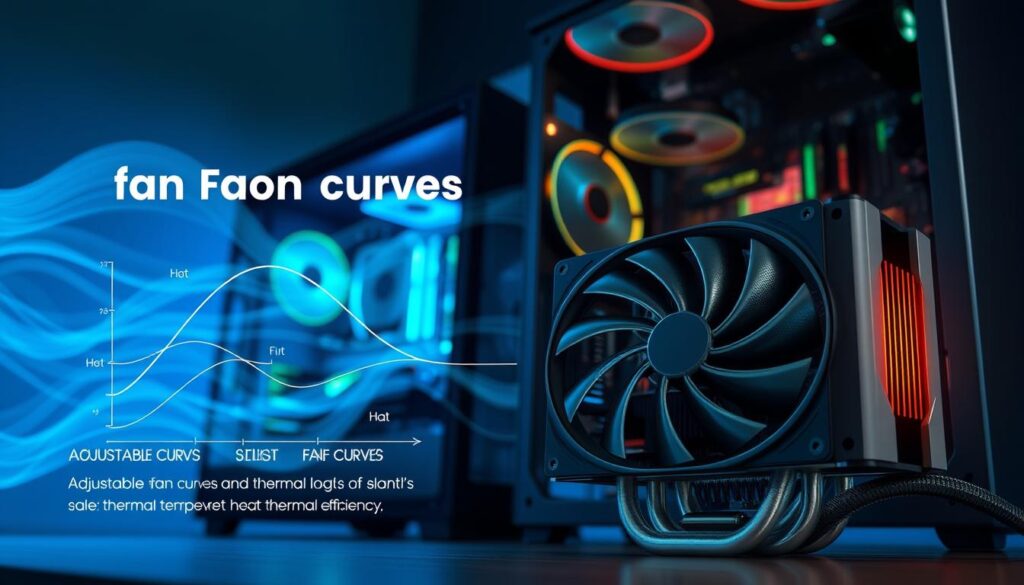
Fine-tuning fan curves is the single most practical step I take to keep a build quiet while preserving performance. A gentle curve reduces sudden speed jumps and lowers perceived noise.
Manual Tuning Techniques
I start with a conservative fan profile and raise RPM thresholds only as temps climb. This keeps the system calm during light work.
For many rigs, the liquid freezer iii and similar cooler models let me set precise fan responses. I adjust both fan and pump power to match real workloads.
- Begin with low idle RPM and a slow slope up to 60°C.
- Test under load, then nudge the curve where temps or noise spike.
- Document each change so you can roll back if needed.
Noise Normalized Testing
I use noise normalized testing so every model is compared fairly at the same dBA level. My tests show how different fan lines affect temps and perceived sound.
“Start conservative, adjust incrementally, and listen — the gains are in small steps.”
After tuning, the arctic liquid freezer series and the freezer iii line often hit the sweet spot between cooling and quiet without a premium price.
Importance of Case Airflow in Silent Systems
Good case airflow is the unsung hero that keeps high-end cooling setups calm under load. If your chassis traps heat, even the best cooler will fight an uphill battle and spin fans faster.
I always stress that case fans matter as much as the cooler itself. A well-designed case with quality fans lets the CPU cooler run at lower speeds, cutting overall noise and improving thermal performance.
Mesh front panels and clear intake/exhaust paths make a big difference. In my tests, cases with mesh deliver steadier air movement and lower internal temperatures, so your fan curves stay gentle.
- Balance intake and exhaust: steady airflow reduces hot spots.
- Use a fan controller: synchronize fan and pump speeds for smooth operation.
- Prioritize design: choose a case that favors airflow over flashy extras.
“Focus on the whole system — a good case turns efficient cooling into quiet, reliable operation.”
Installation Tips for Maximum Noise Reduction
Small installation choices can cut audible vibration and improve cooling performance.
I always start by isolating moving parts. Use vibration-dampening pads when you mount a cooler. A few thin pads under the pump or bracket stops structure-borne hum.
Secure the fans and radiator tightly, but avoid over-torquing screws. Even minor play turns into audible noise at higher speed.
Keep tubes relaxed so they are not under tension. Tense tubing puts stress on the pump and can raise dba levels during long runs.
- Fit rubber washers between fan and radiator to absorb micro-vibrations.
- Use soft grommets or pads at mounting points to cut transmission to the case.
- Position the radiator for the best airflow path in your cases—placement affects both temps and perceived sound.
| Step | Why it matters | Quick tip |
|---|---|---|
| Vibration pads | Blocks structure-borne noise | Place under pump and bracket |
| Secure fans | Removes rattles at high RPM | Use correct-length screws and washers |
| Tube routing | Reduces stress on pump | Leave gentle curves, no tension |
Comparing Budget Versus Premium Cooling Solutions
I compare real-world results to show where a modest spend matches premium performance.
The Thermalright Peerless Assassin 120 SE is a standout budget air option. In my tests it often beats far more expensive units for raw CPU cooling and steady performance.
Premium models like the liquid freezer iii series and other high-end offerings bring extra features and looks. They can reduce fan ramping and trim perceived noise, but those gains come at a higher price.
For most users, a mid-range cooler is the sweet spot. It balances cost, ease of install, and reliable temps without the complexity of top-tier builds.
- Value today: pick proven models from Arctic or Thermalright for strong results.
- Budget tip: focus on core cooling, not flashy features like RGB or screens.
- Practical choice: a well-reviewed budget cooler frees funds for GPU, storage, or better fans.
“A smart mid-range choice gives quiet, efficient cooling without unnecessary bells and whistles.”
Addressing VRM and Component Cooling
I pay close attention to motherboard component airflow because VRM heat often limits performance. In many modern designs, a dedicated small fan or shroud helps cool the VRM area and keeps power delivery steady during overclocking.
When you move to a closed-loop setup you lose the direct air a tower provides to nearby components. That makes VRM management more important than ever for long-term stability.
In my testing, VRM temps directly affected sustained cpu clocks and system reliability under heavy load. I recommend choosing a cooler that addresses VRM airflow or ensuring your case has strong intake and exhaust paths.
- Pick models with a small VRM fan or add case fans aimed at the socket area.
- Monitor VRM temps when you tune for silence to avoid hidden thermal limits.
- Balance case air so the cpu and surrounding motherboard components share adequate cooling.
| Issue | Why it matters | Practical fix |
|---|---|---|
| VRM overheating | Reduces power stability and throttles performance | Add VRM fan or increase case intake near the socket |
| Lost local air | Socket-area components get less direct cooling | Route case fans to create targeted airflow |
| Noise vs cooling | More fans can raise room noise if unmanaged | Use larger, slower fans and gentle curves to keep noise low |
| Long-term reliability | Hot VRMs shorten component life | Choose a comprehensive cooling plan covering cpu and VRM |
Future Trends in Silent PC Cooling
Manufacturers are rethinking fan and pump design to cut noise without losing cooling performance.
I see more efficient pumps and blades that move higher volumes of air at lower RPM. That change lets a cooler run quietly while keeping temps steady under load.
The market now favors overall value and acoustic gains. Brands are designing options that balance price and sound so buyers get practical benefits, not just specs.
I expect integrated systems that manage the heat of the whole build, not only the cpu or graphics card. Those designs will use new materials and smarter layouts to reduce fan counts and lower audible output.
I’m excited to test these next-generation products and share findings. Stay informed and you’ll pick better cooler and fan options when upgrading or building.
“Silence is increasingly a feature, not an afterthought, in modern cooling design.”
- More efficient pumps and fans mean lower RPMs for the same cooling.
- Integrated, system-wide cooling will become common in higher-value options.
- Advanced materials will help dissipate heat while cutting vibration and noise.
| Trend | Impact | Why it matters |
|---|---|---|
| Efficient pump & fan design | Lower RPM, less audible noise | Better performance with quieter operation |
| System-level cooling | Fewer fans, targeted heat routing | Improved overall thermal balance |
| Advanced materials | Higher conductivity, less vibration | Long-term reliability and lower noise |
Conclusion
Picking the right cooling path changes how your whole PC sounds and performs. A smart choice matters for both temperature and room noise levels.
I highlighted the Arctic Liquid Freezer III as a strong value and quiet model. The liquid freezer iii line performs well in my tests, and the arctic liquid design keeps CPU temps steady without high fan speed.
Whether you want a budget or premium option, pick a cooler that fits your case, supports good air flow, and lets you tune fan curves. Small installation steps and vibration dampening cut dba and improve long-term performance.
Thanks for reading. I wish you the best with your next quiet PC build.
FAQ
What makes a liquid freezer such as the Arctic Liquid Freezer III quieter than many air coolers?
I find the design of models like the Arctic Liquid Freezer III reduces fan speed needs by giving more radiator surface area and letting the pump handle steady heat transfer. That cuts peak fan RPM and lowers overall noise while keeping temps down, especially compared with smaller air coolers that need high-speed fans to match thermal performance.
How loud is acceptable for a silent PC build in decibels?
I aim for idle noise below about 25–30 dBA for a system that feels silent in a studio or living room. Under load I accept up to roughly 35–40 dBA if thermal performance improves significantly, but personal preference and room ambient noise matter a lot.
Do larger radiators always mean quieter operation?
Not always, but typically yes. Larger radiators let fans spin slower to move the needed airflow, which reduces noise. You still need the right fan curve and case airflow to take full advantage of the radiator’s surface area.
Are compact 240mm solutions a good compromise for silence and size?
Absolutely. I recommend 240mm coolers when case space is limited but you still want lower fan speeds than a 120mm unit can provide. They hit a sweet spot for many mid‑tower builds with good thermal headroom and quieter operation than single‑fan options.
How important is pump noise compared with fan noise?
Pump noise matters, especially at low fan speeds where it becomes the dominant sound source. I prioritize models with proven quiet pump designs and rubber mounts to reduce vibration. In my tests, a smooth pump plus slow fans delivers the quietest real‑world result.
Can manual tuning of fan curves make a big difference?
Yes. I always tweak fan curves to favor lower RPMs under light loads and ramp smoothly as temps rise. That reduces perceived noise without sacrificing safety. Using motherboard profiles or a fan controller helps tune behavior to your priorities.
Should I choose a premium model or a budget cooler for silence?
I balance budget and noise needs. Premium models often include quieter fans and better pump designs, but some budget options offer excellent value if you swap in higher‑quality fans. Consider the total cost of the cooler plus any fan upgrades when deciding.
How do I reduce vibration and mounting noise during installation?
I use soft rubber grommets, proper torque on mounting screws, and avoid direct contact between the radiator or pump and the case frame. Anti‑vibration pads for fans and ensuring mounts are tight but not over‑stressed helps a lot.
What role does case airflow play in achieving a silent system?
Case airflow is crucial. I prioritize smooth intake and exhaust paths so fans don’t work harder than necessary. A well‑ventilated case lets you run lower fan speeds for the same temperatures, which directly reduces noise.
Are there 120mm single‑fan options worth considering for small form factor builds?
Yes—when you’re limited to SFF cases, a well‑designed 120mm solution can be effective. I only recommend them if you accept higher fan speeds or use aggressive noise dampening in the case. They’re best for modest CPUs or lightly tuned systems.
How do I evaluate decibel claims from manufacturers?
I take manufacturer dBA numbers as a rough guide. Real‑world testing varies by case, mounting, and ambient noise. I look for third‑party reviews with measured values and noise‑normalized tests that show how systems behave at set thermal loads.
Will upgrading fans on a cooler improve noise without losing performance?
Often yes. I commonly replace stock fans with low‑noise, high static pressure models to drop noise while maintaining airflow through the radiator. Make sure the replacement fans match the radiator and your case’s airflow characteristics.
How should I balance noise and cooling for high‑performance CPUs?
I accept slightly higher noise for sustained heavy loads if it keeps temps in a safe range. For day‑to‑day use I tune for silence; for gaming or rendering I let the curves open up. A larger radiator or a 360mm model is my go‑to when both silence and performance are required.
What future trends should I watch in silent CPU cooling?
I expect more efficient pump designs, better low‑noise fans, and smarter software control that dynamically balances pump and fan speeds. Those advances will make quieter high‑performance cooling easier to achieve in more compact builds.

Hardware enthusiast and cooling specialist sharing real-world tips on water cooling, thermal performance, and custom PC builds.